
I gave this talk to my team in March 2026, as part of an upskilling push to make us more agentic in how we work. The goal was simple: share where the agentic world actually is right now, walk through how I use agents day to day, and make the case for treating skills and custom instructions as shared infrastructure the whole team builds on.
It runs from the “why” — extreme but real industry examples of fully agent-driven coding — down to the concrete mechanics: tmux setups, git worktrees, skills, and the instructions that keep agents honest about our repos. Scroll down and the deck keeps pace with the notes.
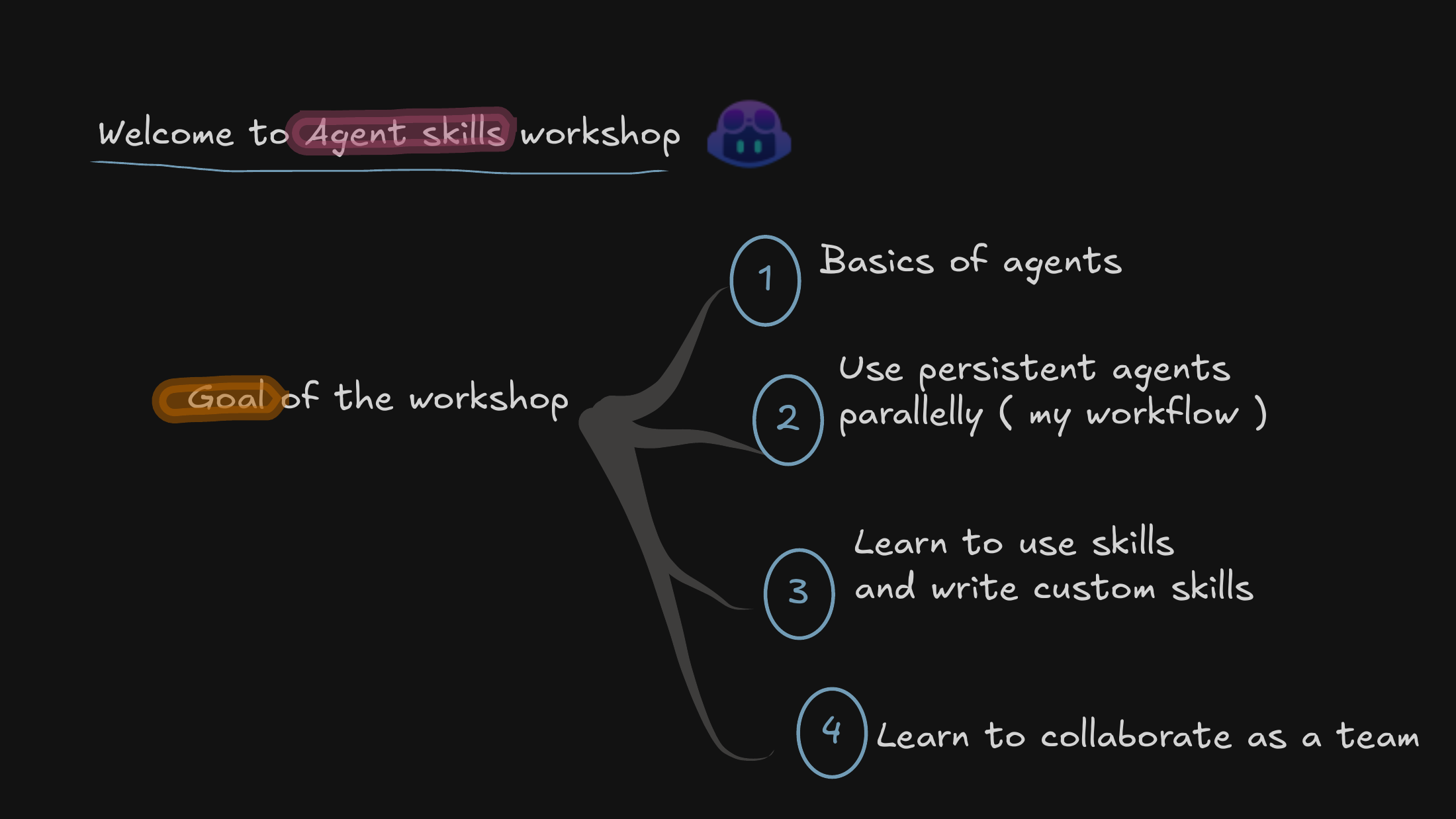
We’re kicking things off by framing the transition we’re living through — from manual coding to agent-driven workflows — and why that shift matters specifically for our research environment, not just for product teams.
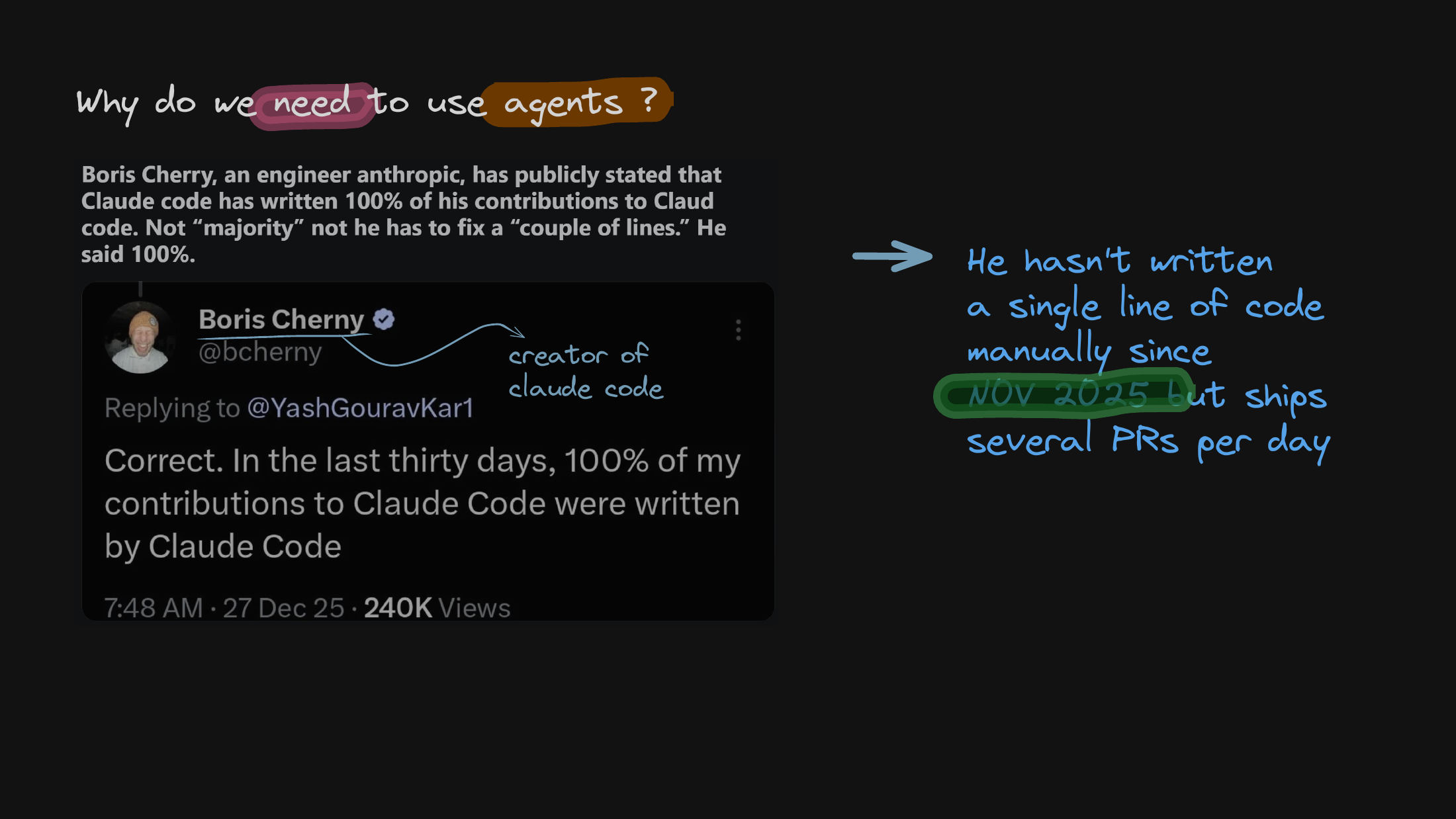
I start with the “why” by pointing at the extreme end of the industry. The thing to sit with is that 100% agent-generated code is already a reality for some developers — not a future projection, but how a few people already ship today.
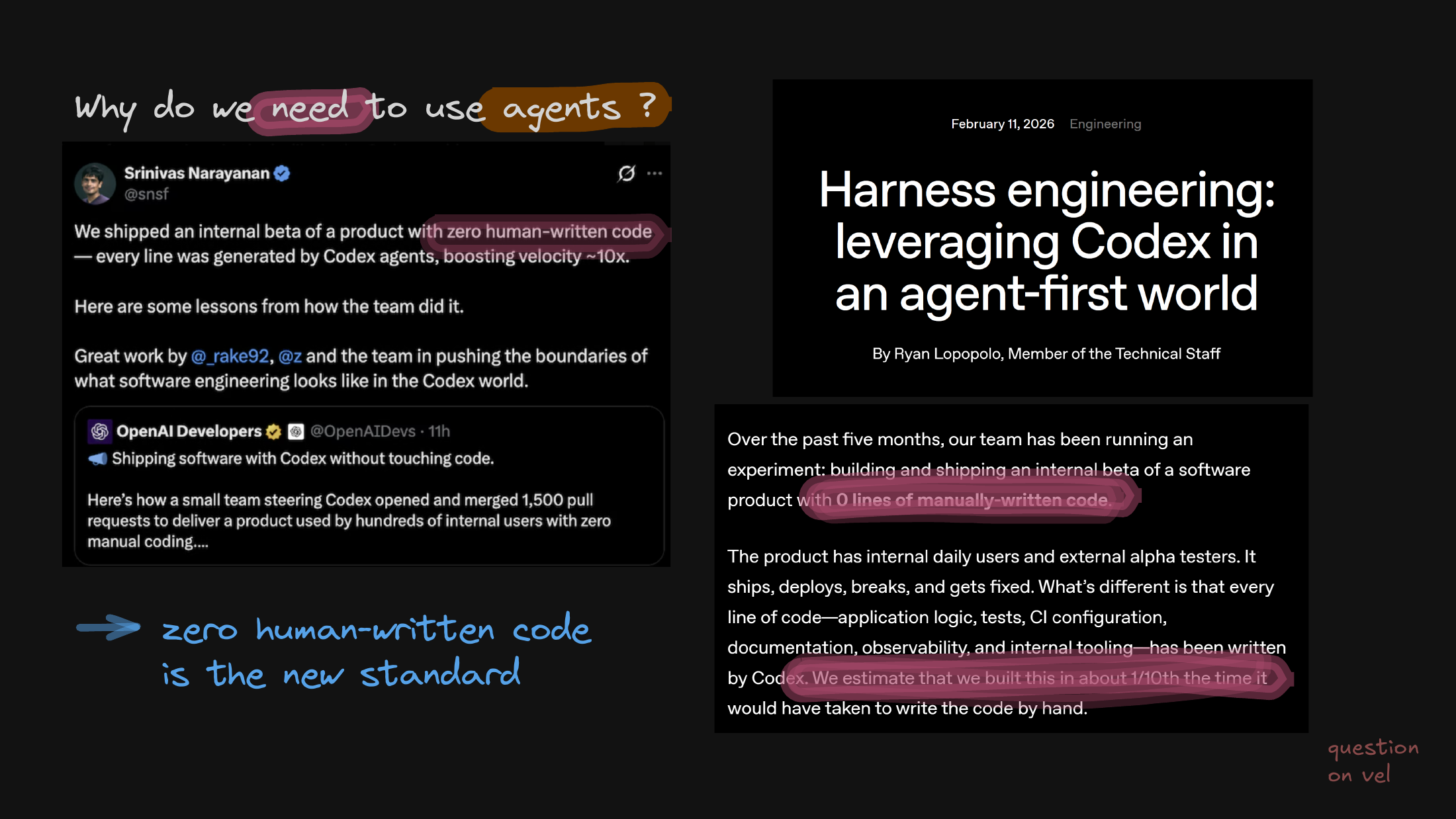
From individual anecdotes I move to team-scale evidence: zero human-written code is actively hitting production environments, not just living in prototypes. The point is that this scales past one heroic engineer.
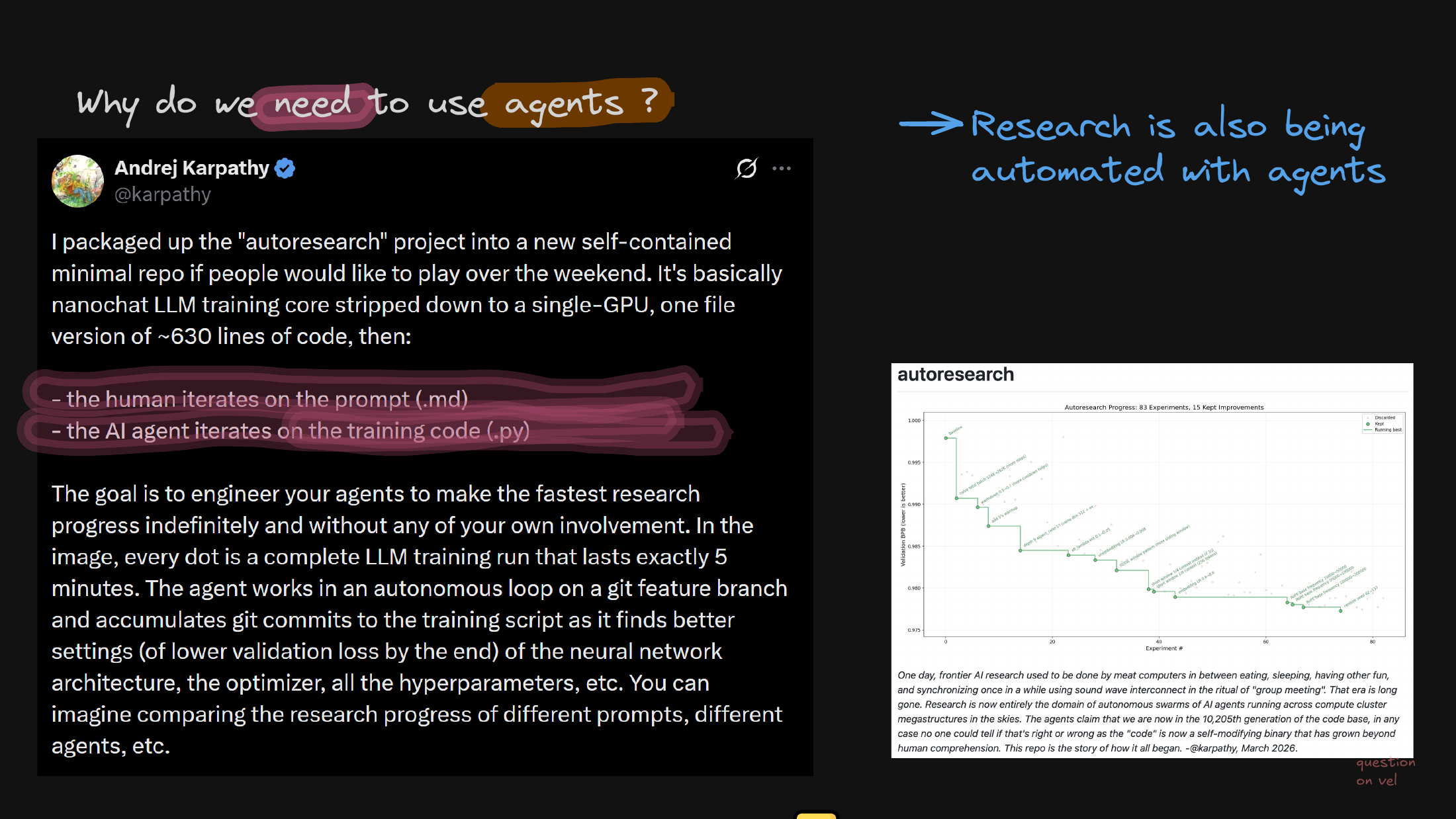
Then I pivot from ordinary software engineering to AI research loops, where agents independently iterate on training scripts and hyperparameters. This is the version that matters most for us.
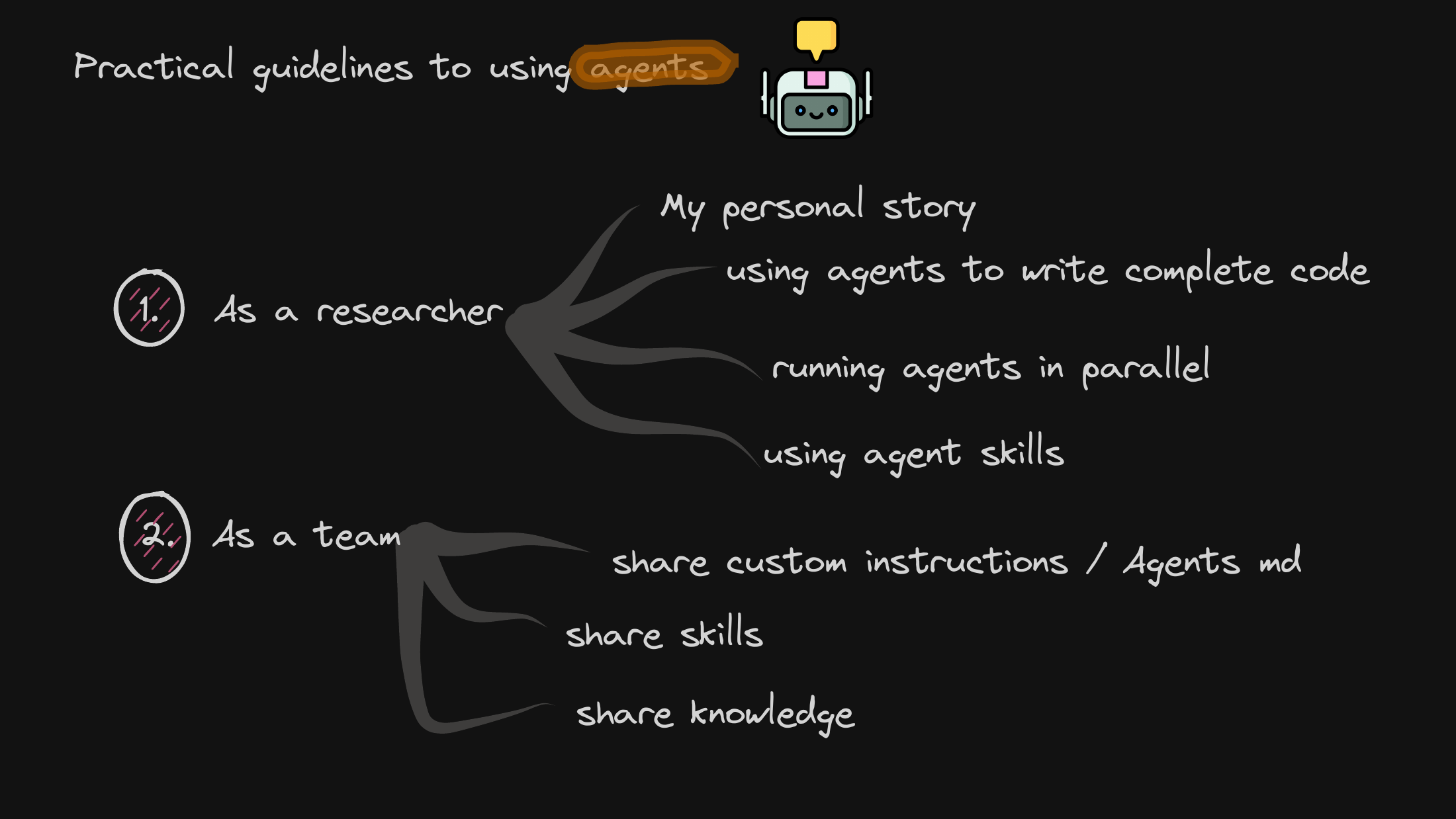
Coming back down from industry benchmarks to our own ground-level reality, I lay out the practical roadmap — how we adopt these tools individually first, and then as a unified team.
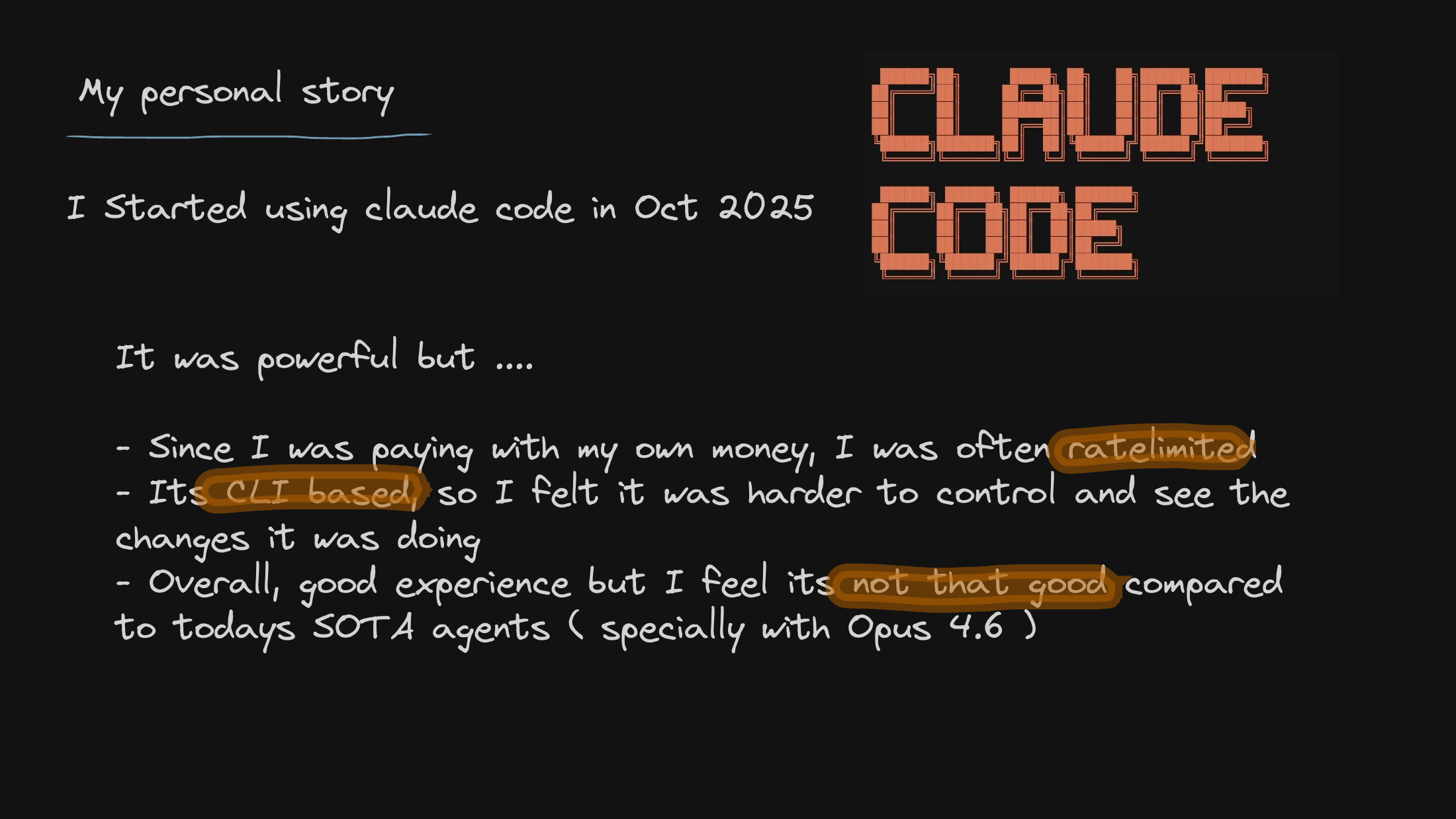
I share my own initial friction with early CLI agents — the rate limits, the interface constraints, the small annoyances I hit before I found a workflow that actually felt good.
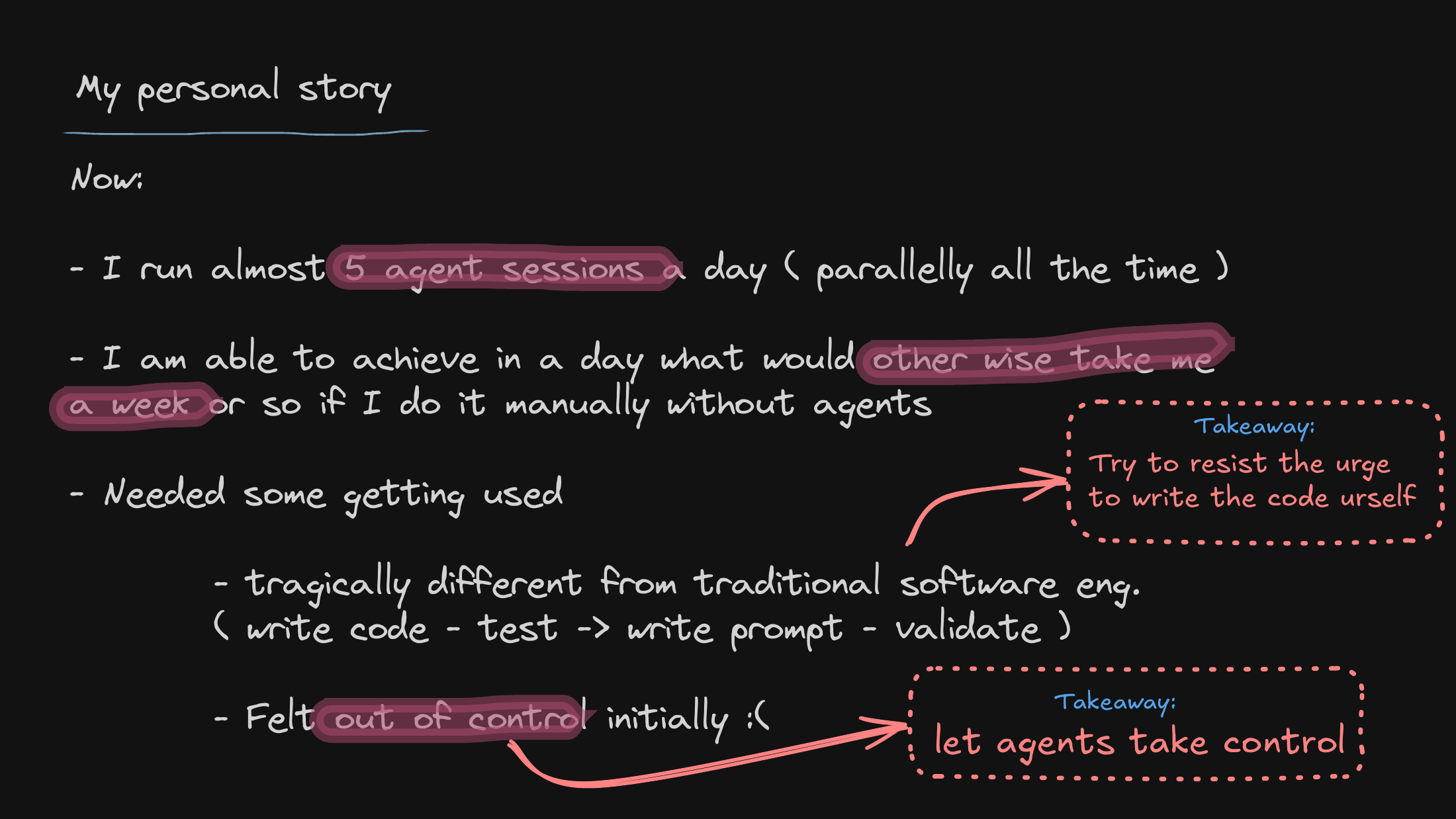
Here’s the core psychological shift: stepping back from the keyboard to act as a reviewer and orchestrator rather than a typist. That mental move is what makes it possible to run several parallel sessions at once.
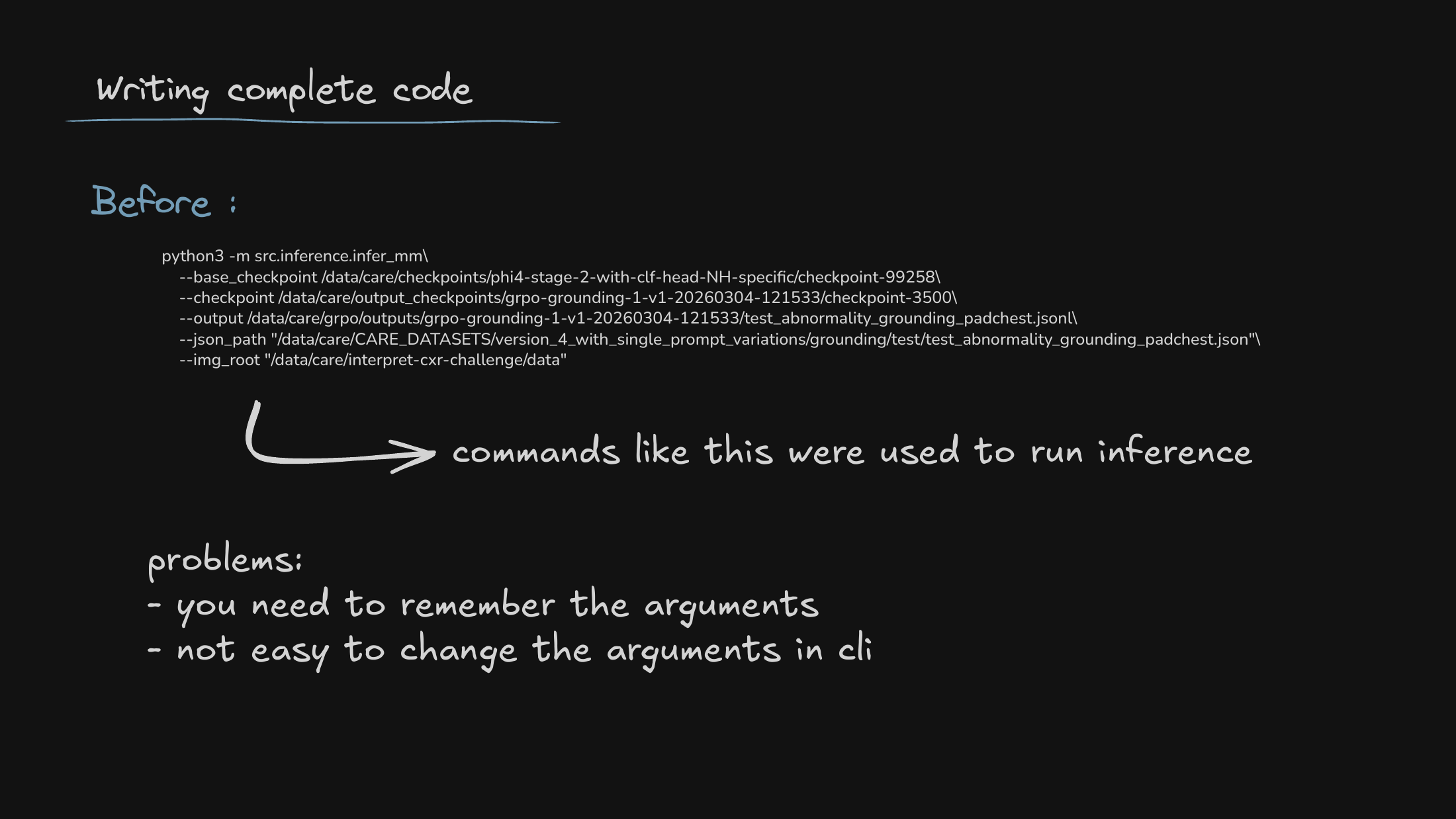
To make the contrast concrete, I look at how brittle our old manual pipelines were — especially the cognitive load of remembering long, fiddly CLI arguments just to run model inference.
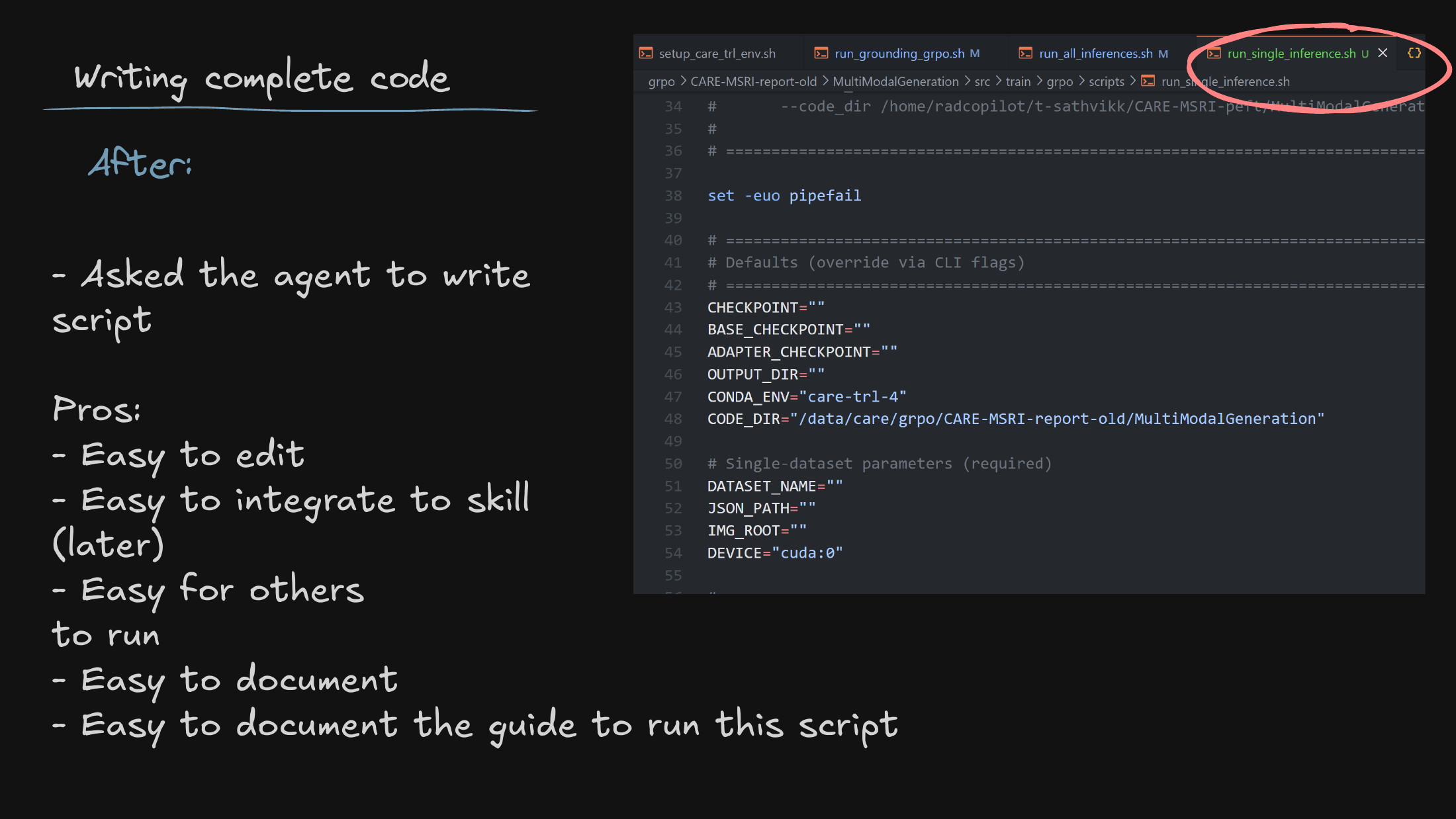
Then the old way against the new: agent-generated scripts. Delegating the boilerplate gives us structured, reproducible baselines for training and evaluation — the runs are easier to trust because they’re easier to regenerate.
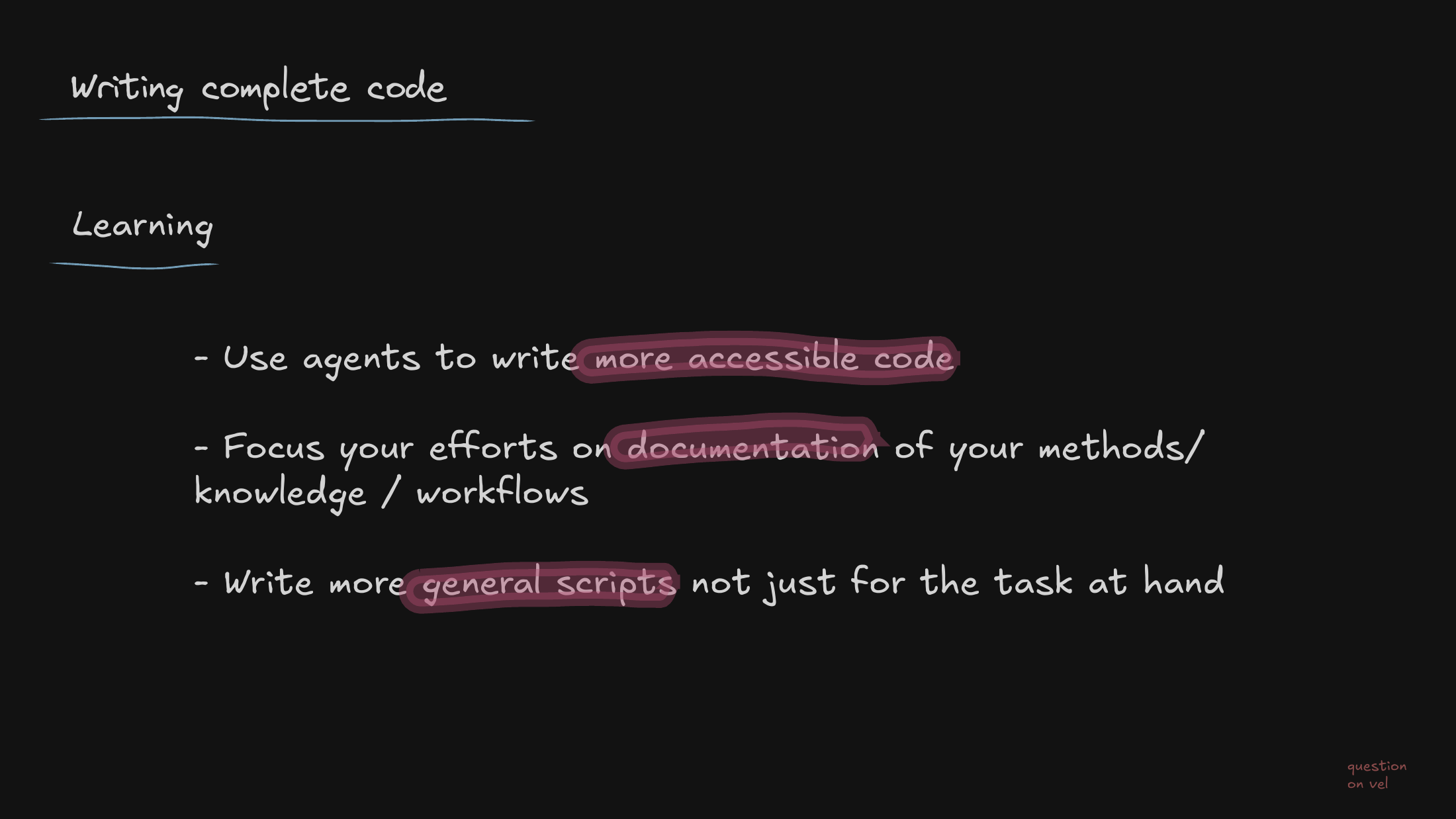
A paradigm shift for the team: our primary human value moves away from writing syntax and toward system design and writing down what we know. The agents handle the syntax; we handle the judgment.
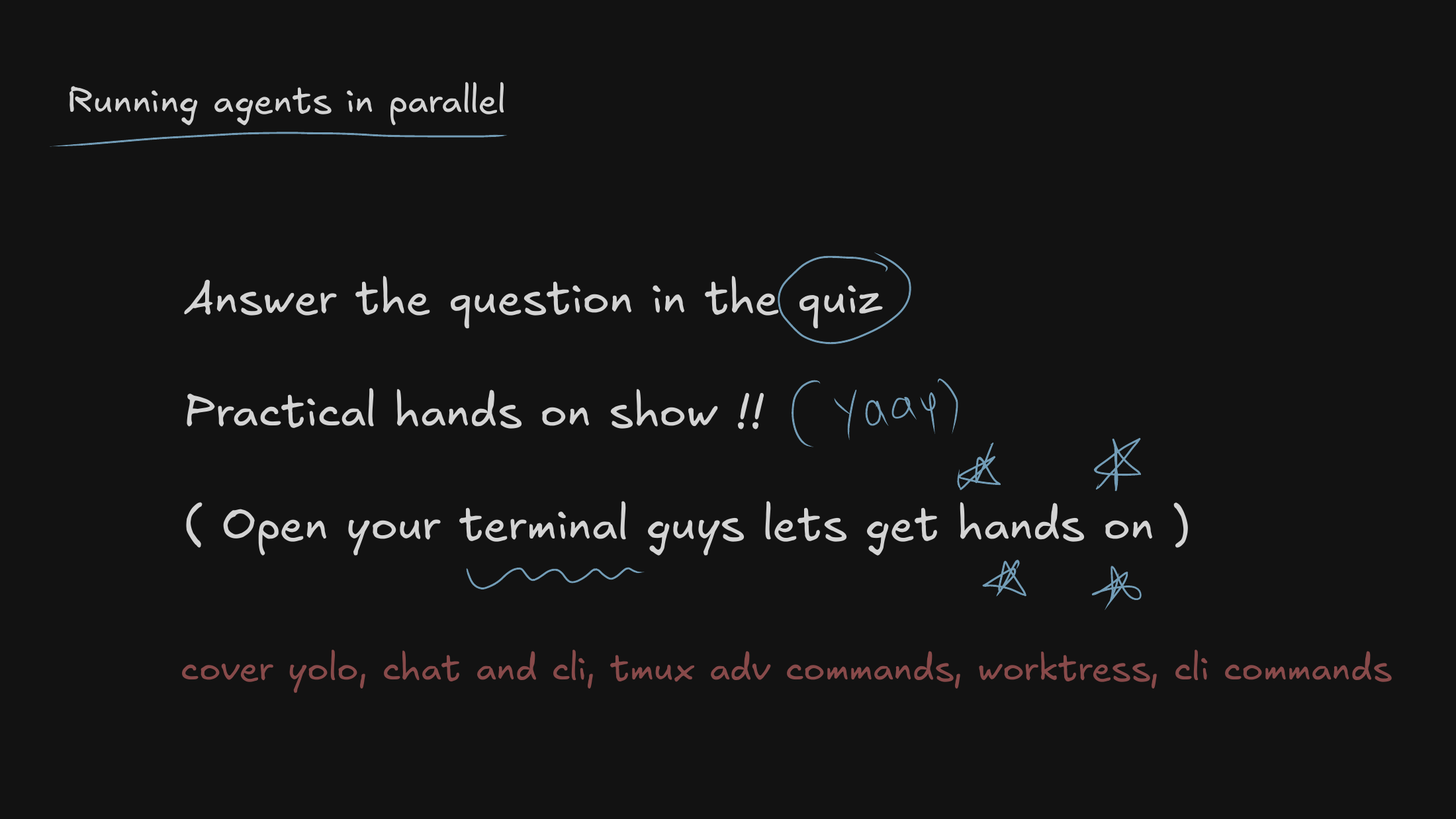
This is where I drop into a live terminal demo, breaking down the exact tmux setups and CLI strategies that let me comfortably multiplex several agents without losing track of them.
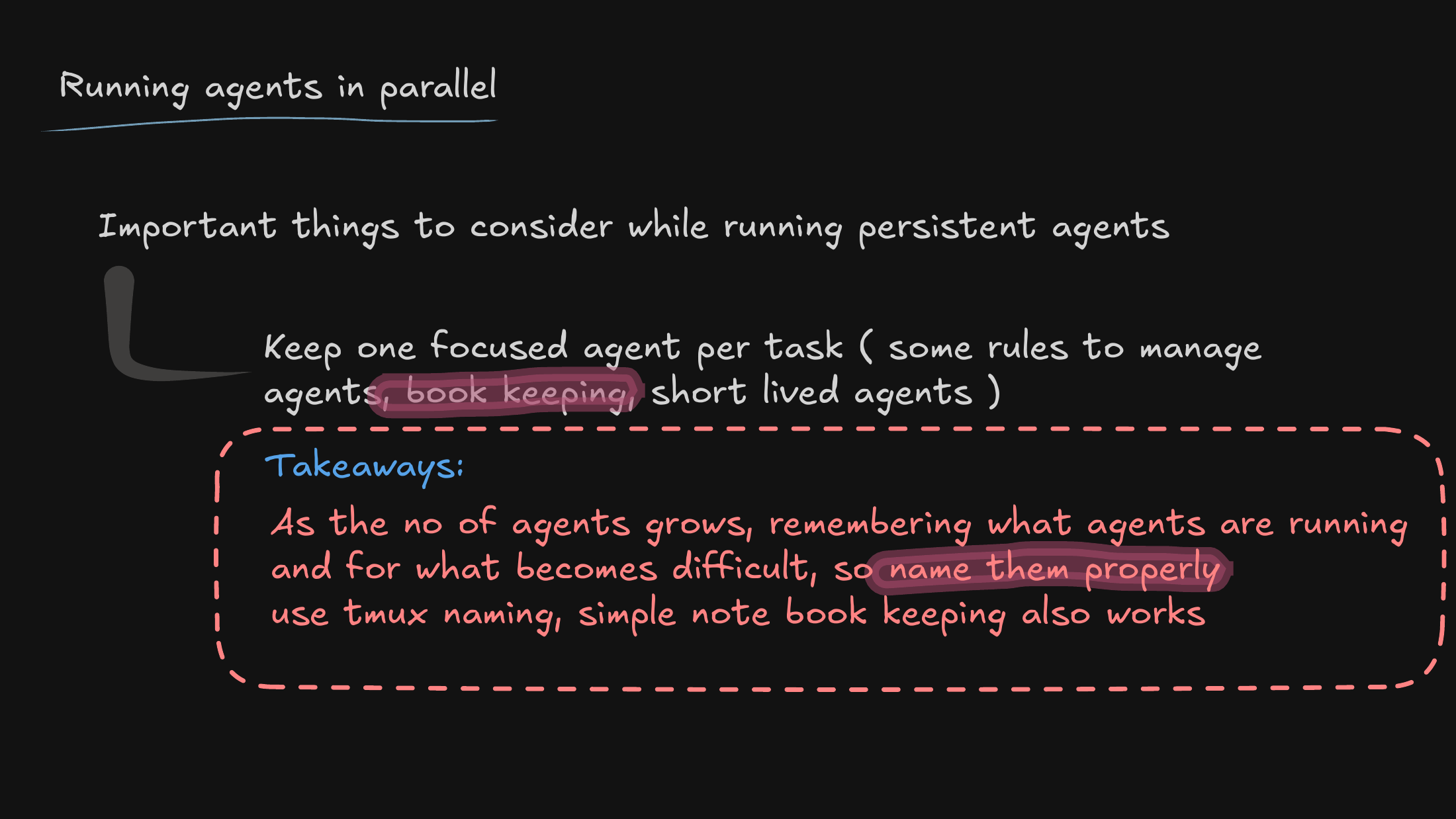
Running persistent agents has real operational overhead. Without strict naming conventions and a little bookkeeping, the cognitive load doesn’t disappear — it just shifts from writing code to managing agents.
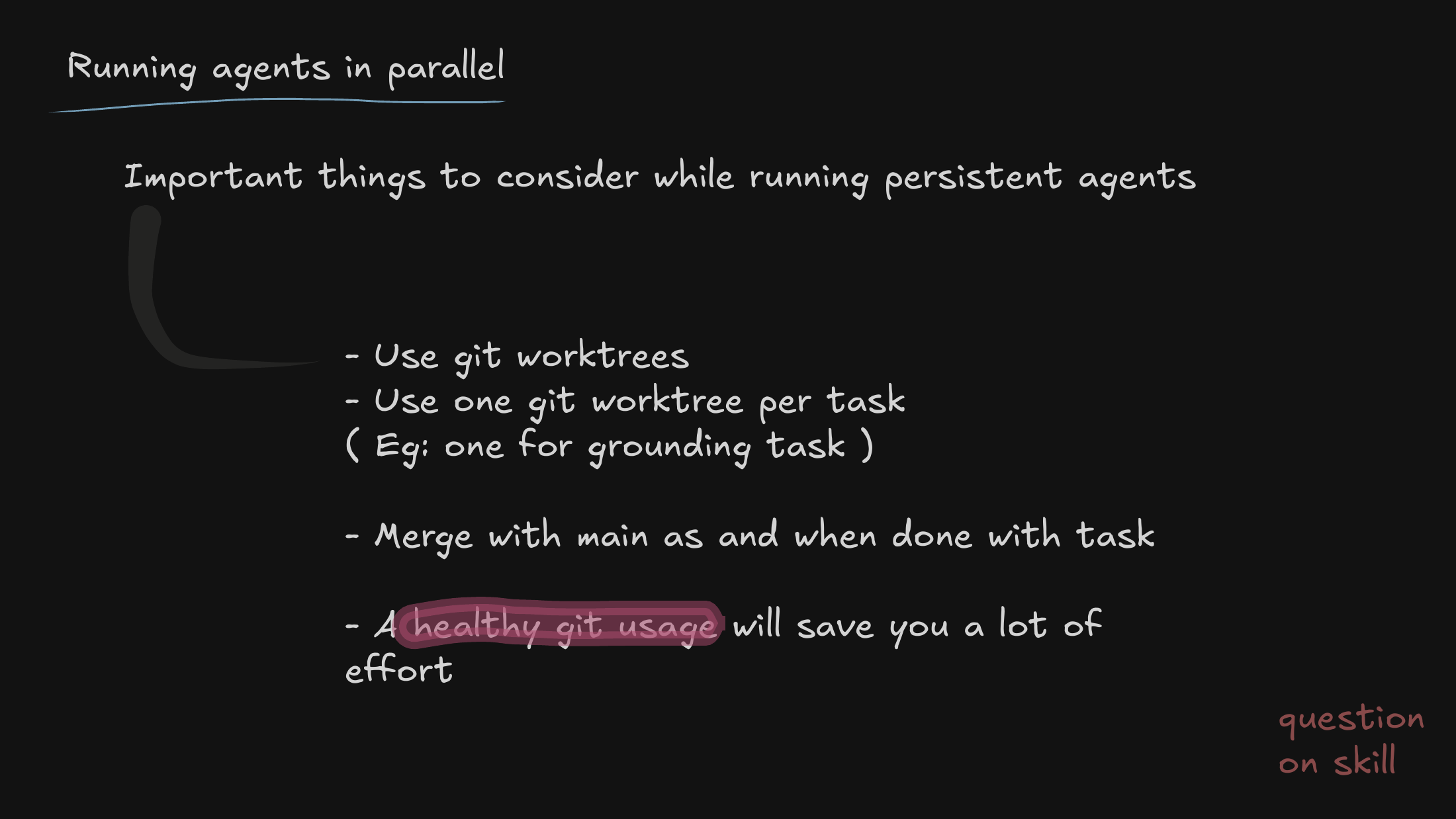
So I introduce git worktrees. Isolating each agent’s task is non-negotiable; it’s what keeps two agents from colliding on the same repository state and corrupting each other’s work.
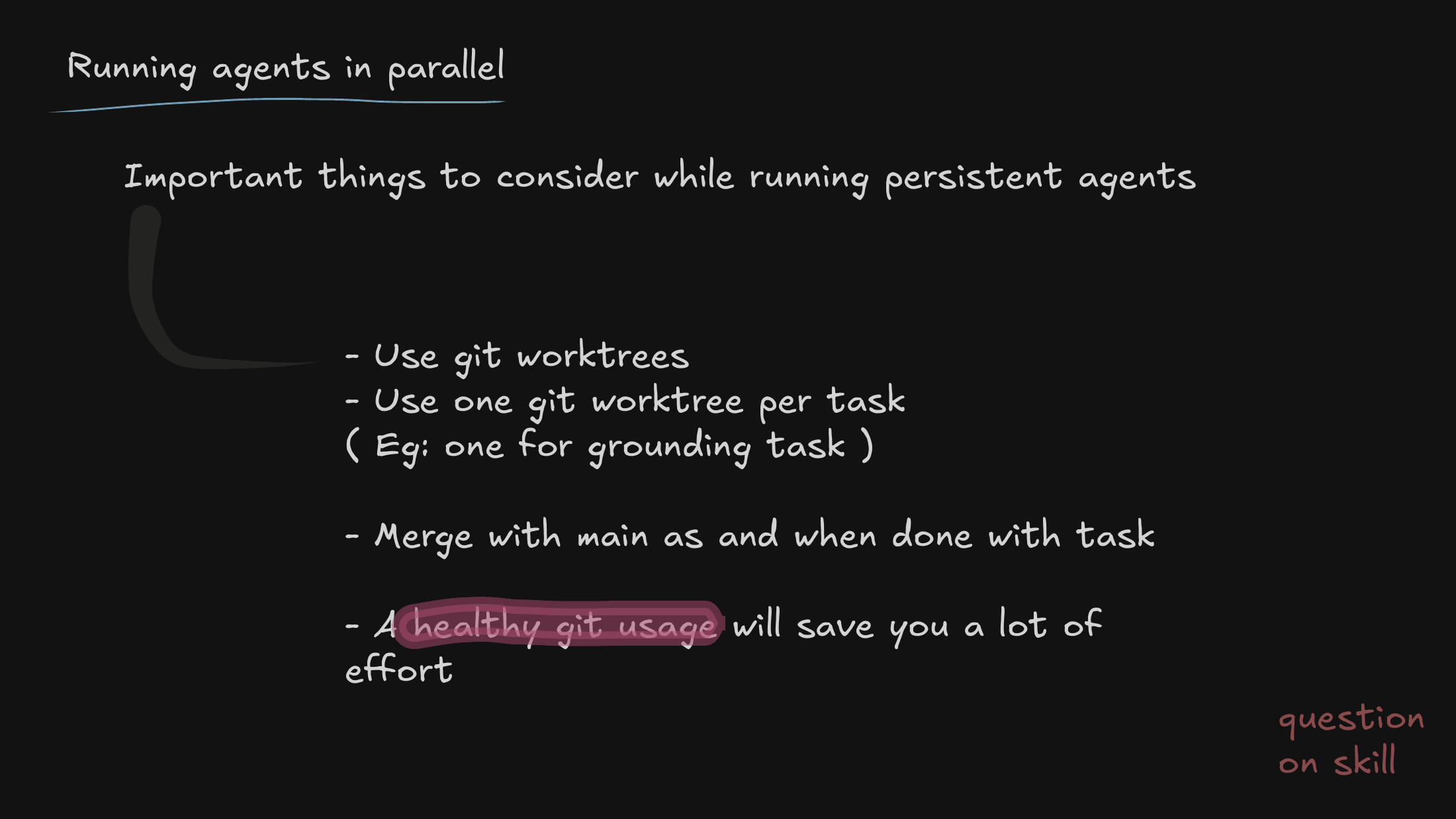
Staying on worktrees a moment longer: healthy, isolated git hygiene is the backbone of running agents in parallel. Get this right and everything downstream gets calmer.
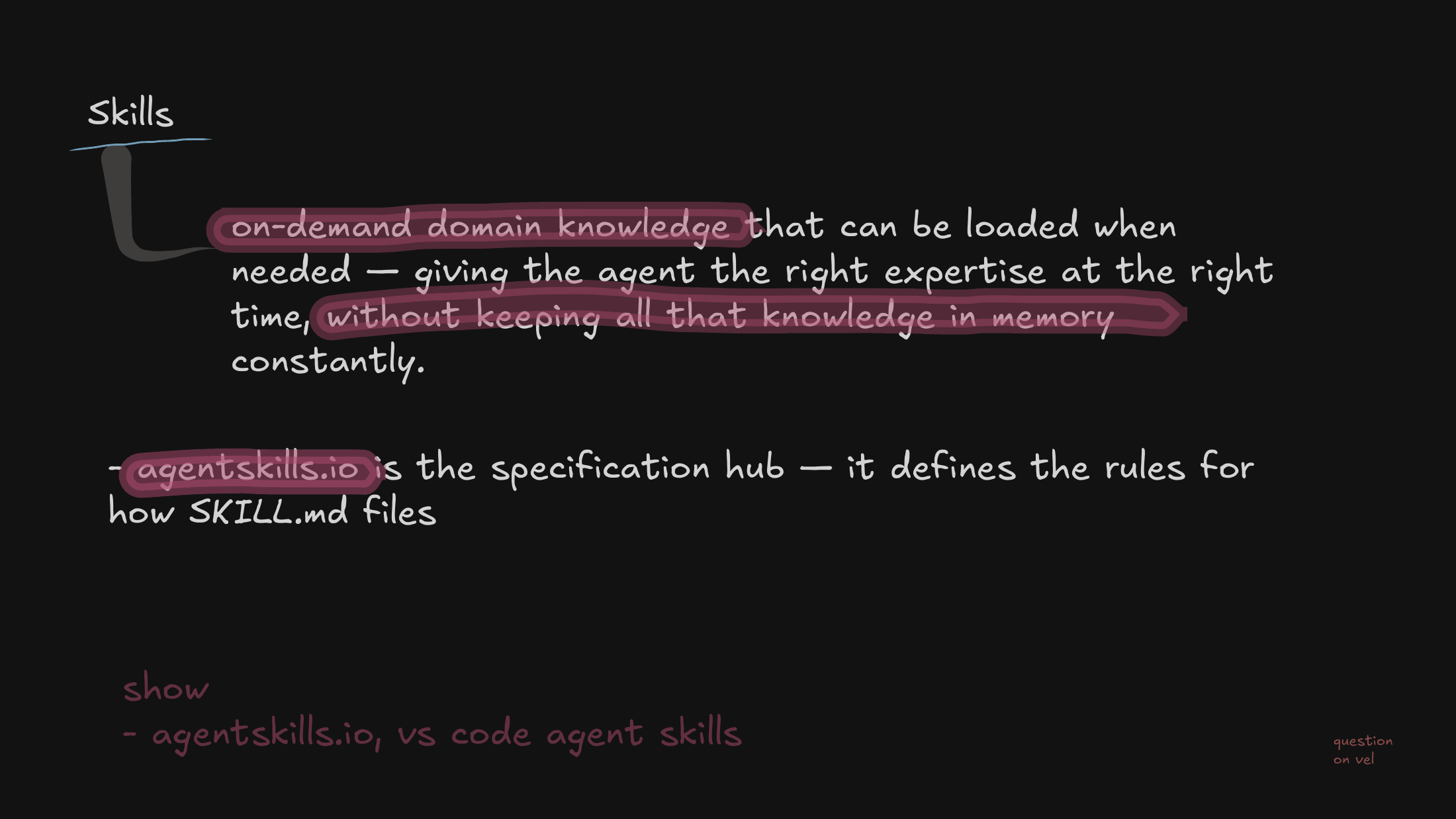
Now to skills — the mechanism I use to inject domain-specific logic and context into an agent without overflowing its active memory window. This is the heart of the talk.
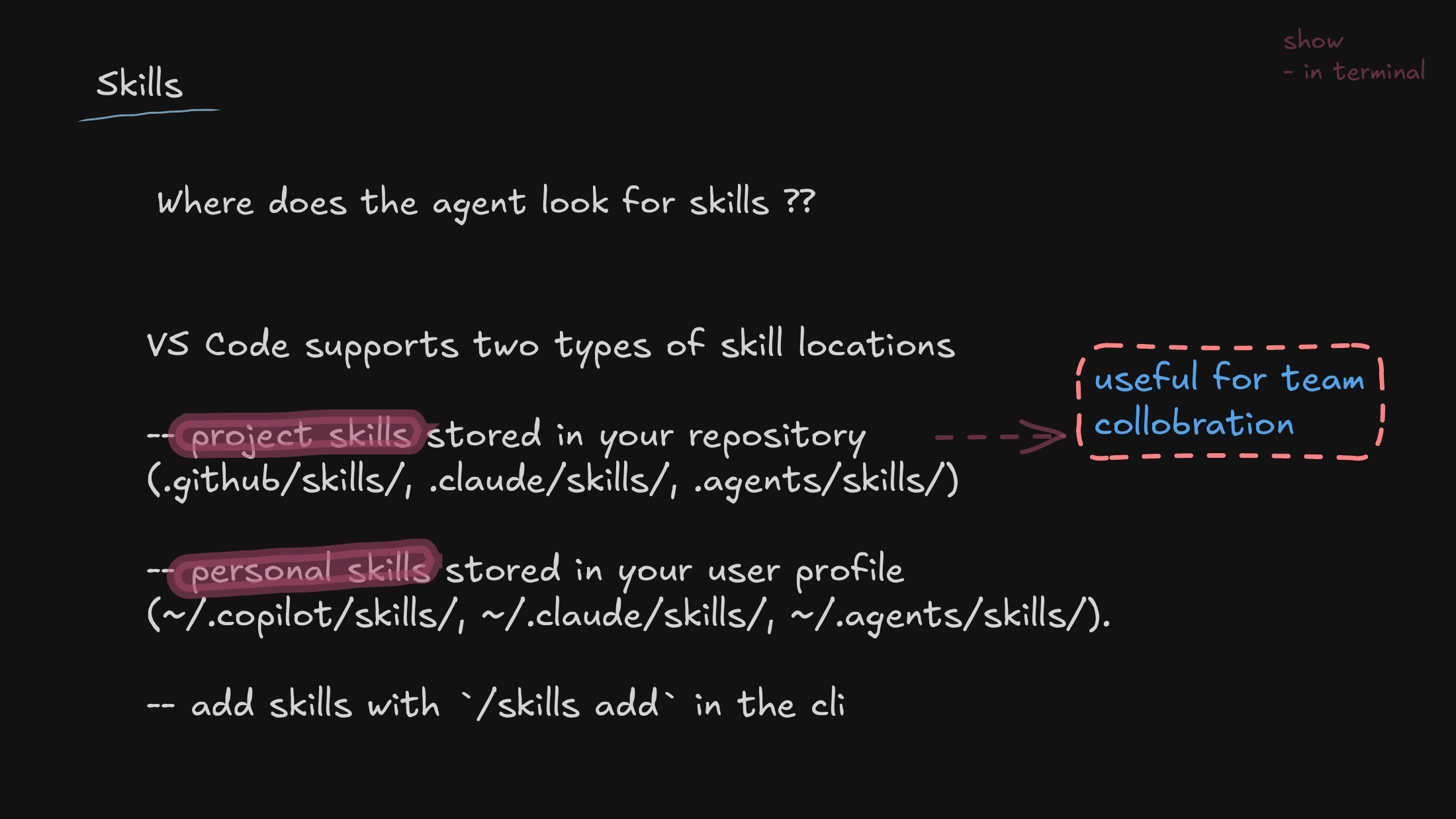
I cover the mechanics of deploying a skill, and the distinction that matters: repository skills the whole team shares, versus local profile skills you keep for your own personal workflow.
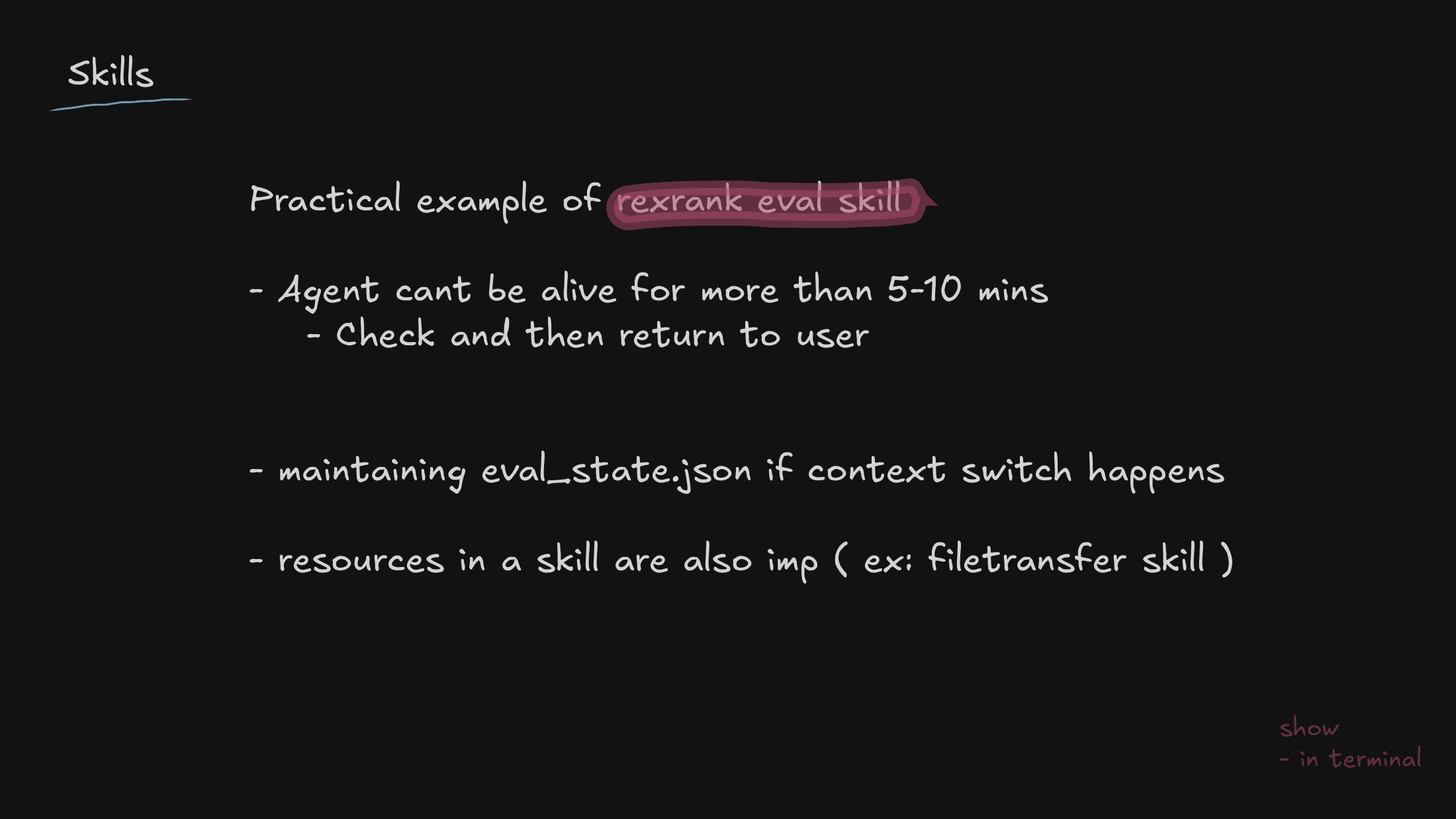
A concrete example: an evaluation skill. I use it to show how to handle state persistence for when an agent inevitably needs to context-switch or times out mid-task and has to pick the work back up.
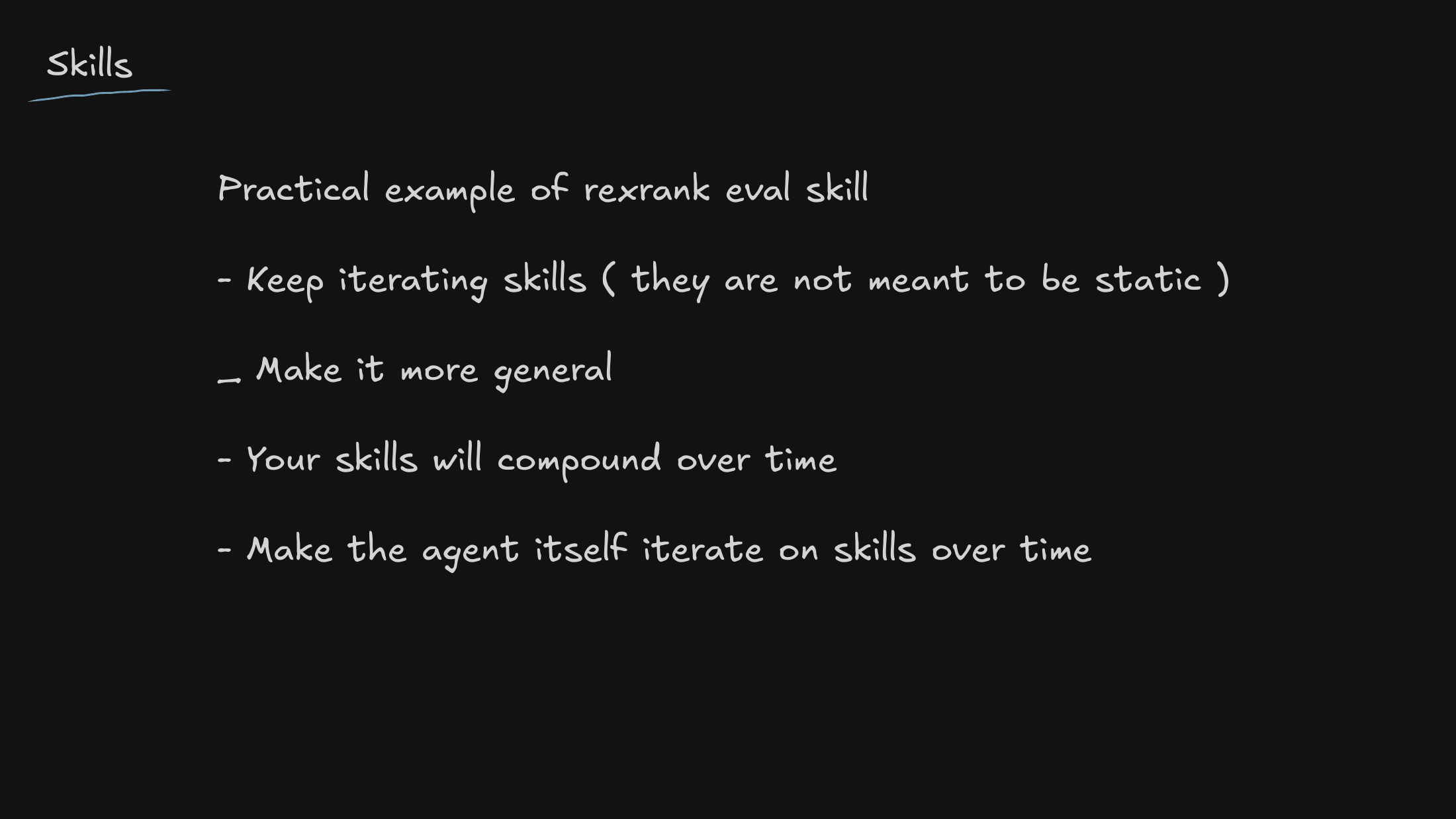
The mindset I want to land: skills are living infrastructure. The long-term goal is for the agents themselves to refine and expand these tools, so they get better the more we use them.
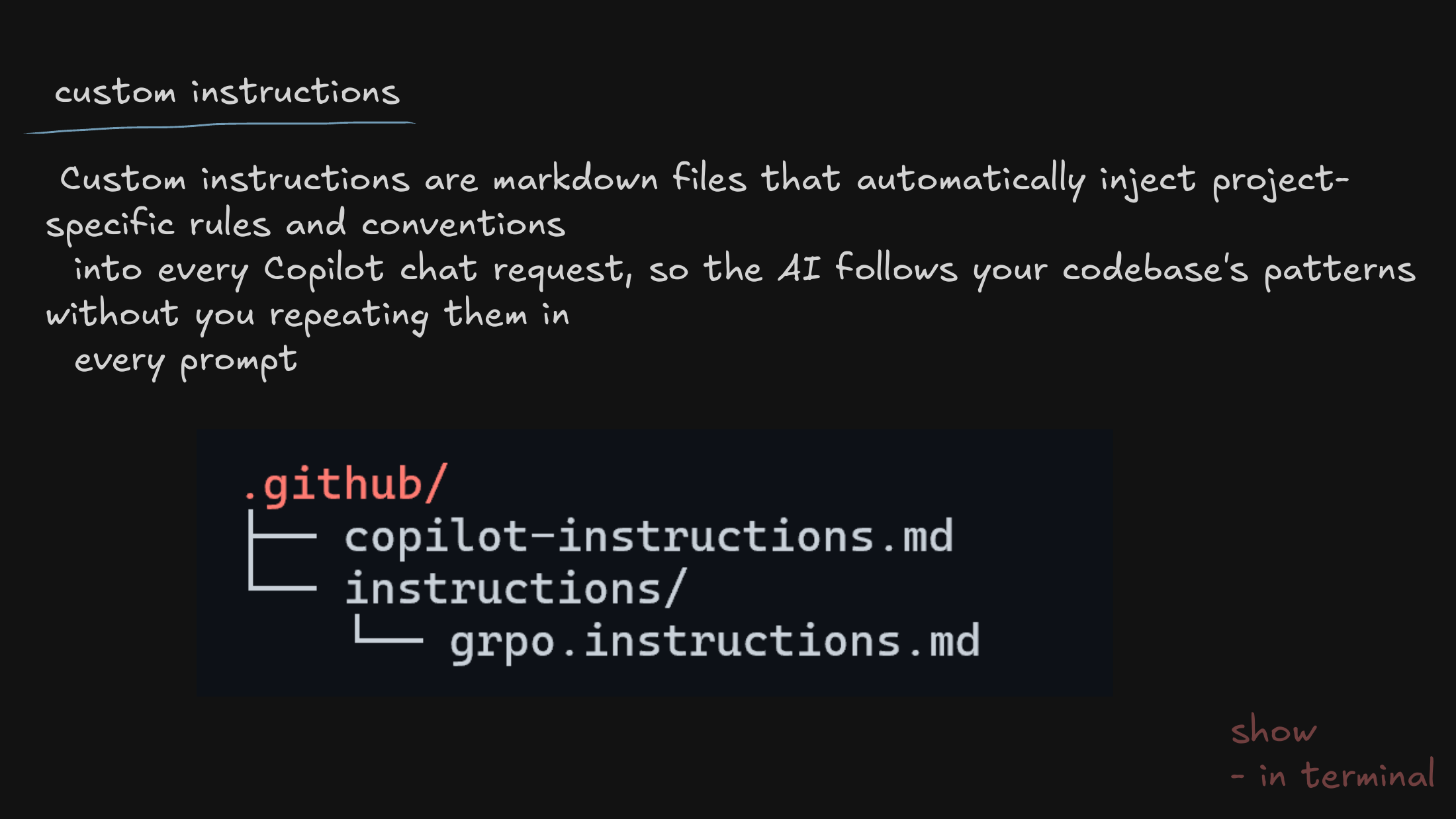
From active capabilities to passive guardrails: custom instructions. These are how we get an agent to respect our specific repo architecture and coding conventions by default, without being told every single time.
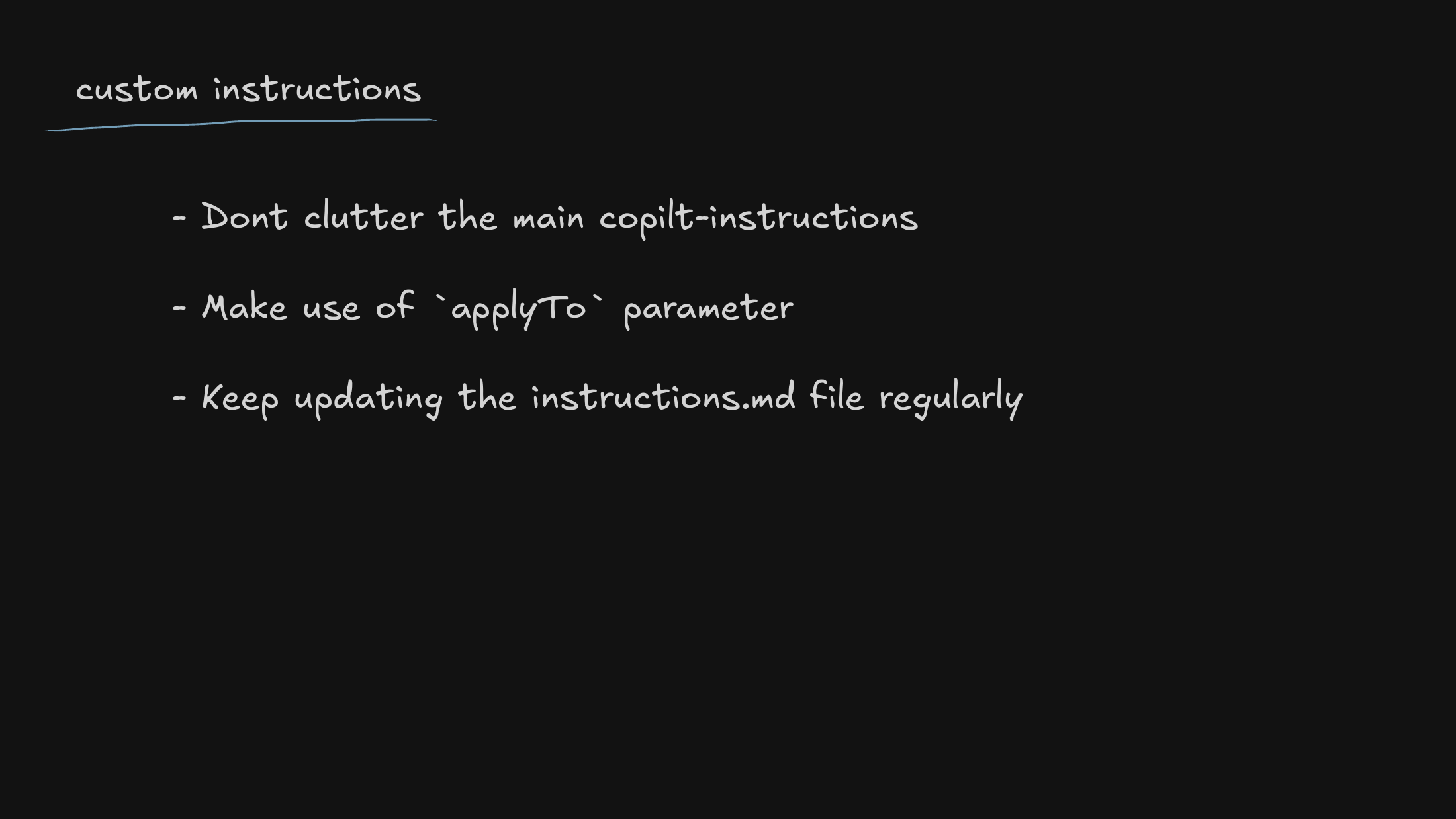
A warning against prompt pollution — piling every rule into one place. I show how to use scoping so an instruction only applies where it’s actually relevant, instead of bleeding into unrelated work.
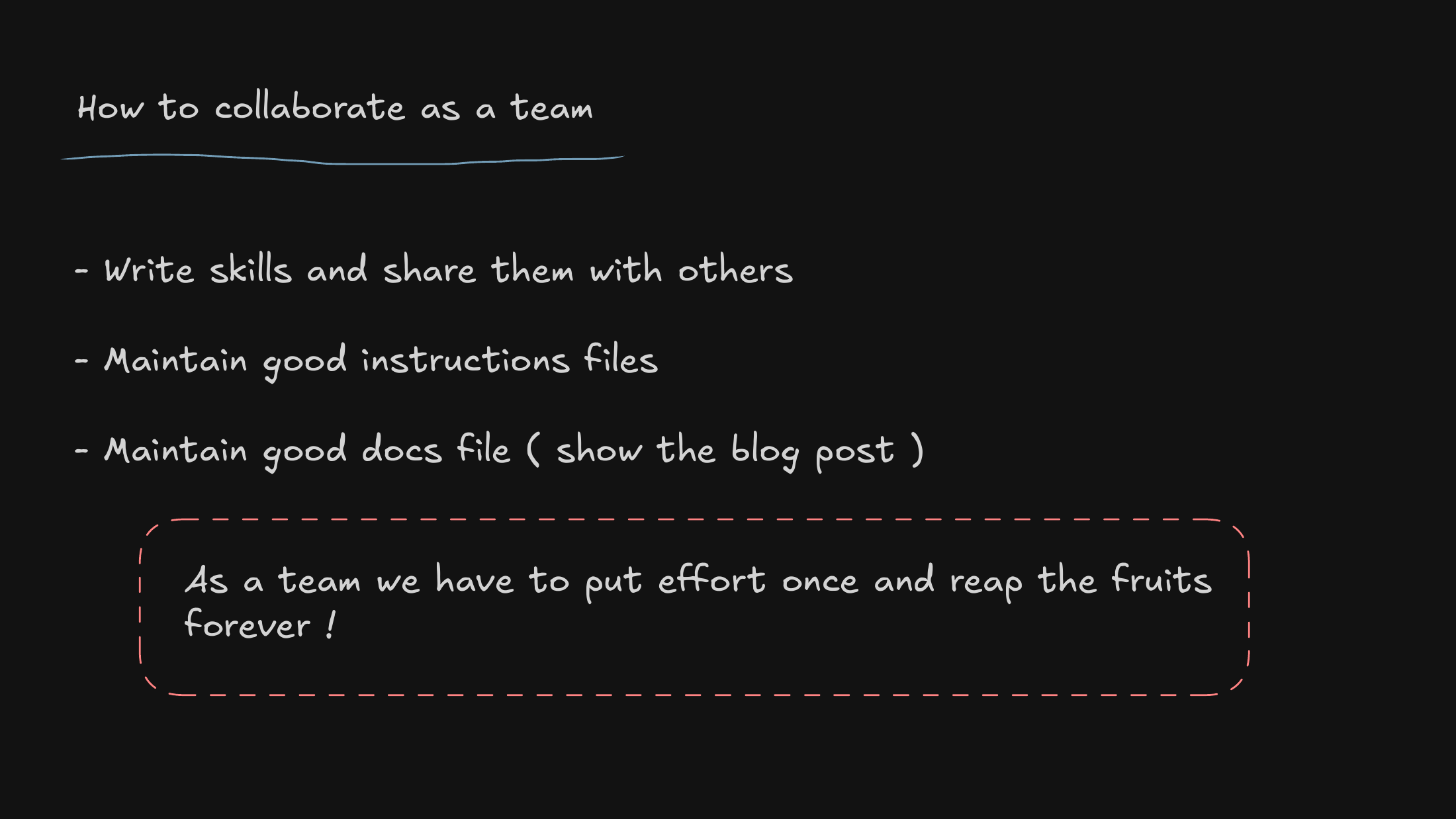
The central thesis, stated plainly: when we treat our agent instructions and skills as shared infrastructure, our research velocity compounds — the team gets faster together, not just person by person.

And then I open the floor — questions, discussion, and helping people get their own terminal setups working.
You can download the full deck if you’d rather flip through the slides on your own.